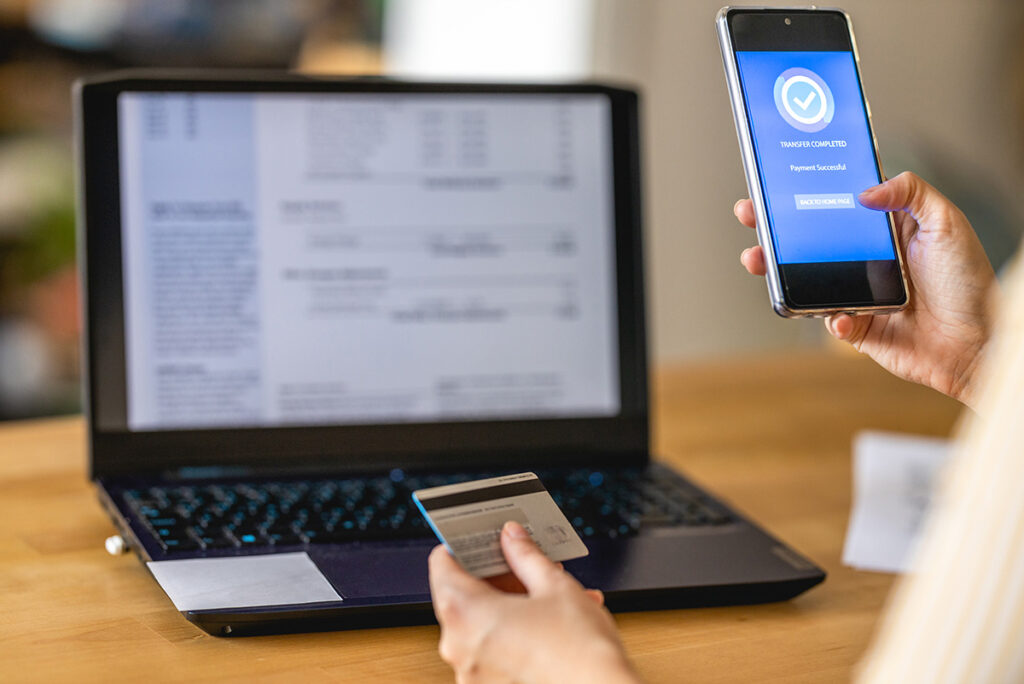
What Is Instant Bank Verification (IBV)?

A secure step that replaces documents to speed up your application.

Vérification bancaire sécurisée IBV sur téléphone, avec carte et relevés en ligne pour confirmer l’identité et les revenus.

What Is IBV?

IBV is a secure method that allows lenders to automatically verify your identity and income by connecting to your financial institution, just like when you access your bank account online.

This step replaces the need to upload documents such as bank statements or pay stubs and speeds up the review of your application. Lenders never have access to your money; IBV is used solely to confirm your information in a secure, encrypted way.

How Does IBV Work?

IBV automatically verifies your information in three simple steps, without ever accessing your funds.

1. Secure Bank Connection

You select your financial institution and log in through an encrypted interface, just like when you view your bank accounts online.

2. Automatic Verification

IBV instantly confirms your income and identity, without requiring document uploads or manual bank statements.

3. Fast Results

Lenders receive only the information necessary for evaluation. You get a response within minutes, depending on your situation.

Is IBV Secure?

Yes. IBV uses the same security standards as financial institutions in Canada and never provides access to your money.
  • No Access To Your Funds
    It is impossible to withdraw, transfer, or debit any funds. IBV is used solely to verify your information.
  • No Debit Authorization
    Lenders cannot make payments or withdrawals using your IBV information.
  • 100% Encrypted Connection
    Your data is encrypted and protected, just like when you access your online banking.
  • You Remain In Full Control
    No sensitive data is stored. IBV cannot be used to access your bank account.
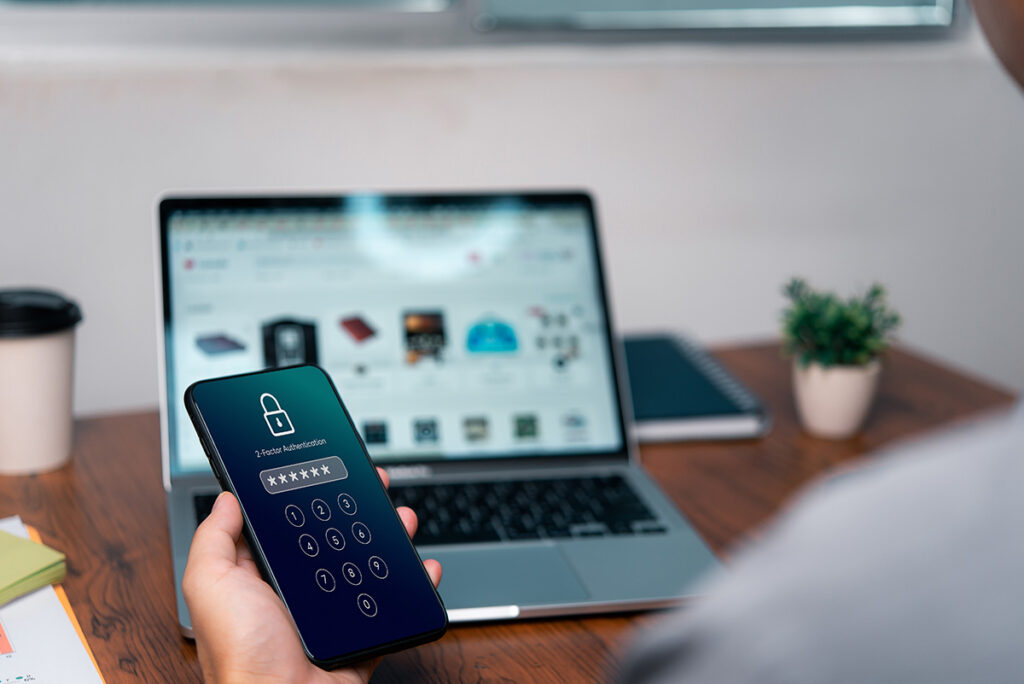
Écran de téléphone affichant une authentification sécurisée à deux facteurs devant un ordinateur, illustrant la sécurité de l’IBV.

What IBV Really Changes For You

Before IBV (Old Process)

  • Pay stub photos to upload
  • Manually searching for documents on your phone
  • Waiting several hours for a response
  • Risk of errors: blurry, incomplete, or unreadable documents
  • More rejections caused by missing information

With IBV (New Process)

  • No documents required
    Everything is verified automatically, with no uploads.
  • Validation in seconds
    Much faster results than traditional methods.
  • More accurate and reliable review
    Your real financial situation is understood right away.
  • Higher chances of approval
    Fewer errors → better evaluation.
  • No impact on your bank account
    Impossible to withdraw, transfer, or debit funds. IBV is used only to validate your information.

Common IBV Issues and How to Resolve Them

Even though IBV works in most cases, some issues may occur depending on the bank or the device being used.

Some banks do not appear in the Flinks list.

Solution :

  • Check the exact spelling of your bank’s name
  • Try searching using the acronym (e.g., NBC, BMO, TD)
  • If the bank is not supported, choose the “Upload Your Documents” option if it is offered by the lender

IBV denies access when there is a credentials mismatch.

Solution :

  • Make sure you are using the same credentials as for online banking or the mobile app
  • Type them manually (do not copy and paste)
  • Ensure your password has not been changed recently

This issue is often related to the device or browser cookies.

Solution :

  • Refresh the page
  • Try using private/incognito browsing mode
  • Switch devices (e.g., phone → computer)
  • Make sure you have a stable internet connection

Some institutions require an additional verification step.

Solution :

  • Keep the Flinks window open
  • Open your banking app to approve the authentication
  • Return to Flinks → the connection will complete automatically

Some banks temporarily lock accounts after too many failed attempts.

Solution :

  • Reset your password on your bank’s website
  • Return to Flinks and try again once

A common issue on mobile devices.

Solution :

  • Close your banking app
  • Return to Flinks and click again
  • Or complete the IBV process on a computer (more stable)